
Quick Summary
Interaction to Next Paint (INP) has officially replaced First Input Delay (FID) as the primary responsiveness metric in Google's Core Web Vitals. In 2026, sites with poor INP scores are seeing significant ranking drops. This guide explains what INP is and how to optimize for it.
The Shift to INP (Interaction to Next Paint)
For years, we focused on how fast a site loaded. In 2026, Google cares more about how fast a site responds to user input throughout its entire lifecycle.
What is INP?
INP measures the time it takes for the browser to show the next "frame" after a user interacts with the page (clicks, taps, or key presses). Unlike FID, which only measured the first interaction, INP measures all interactions and reports the slowest one.
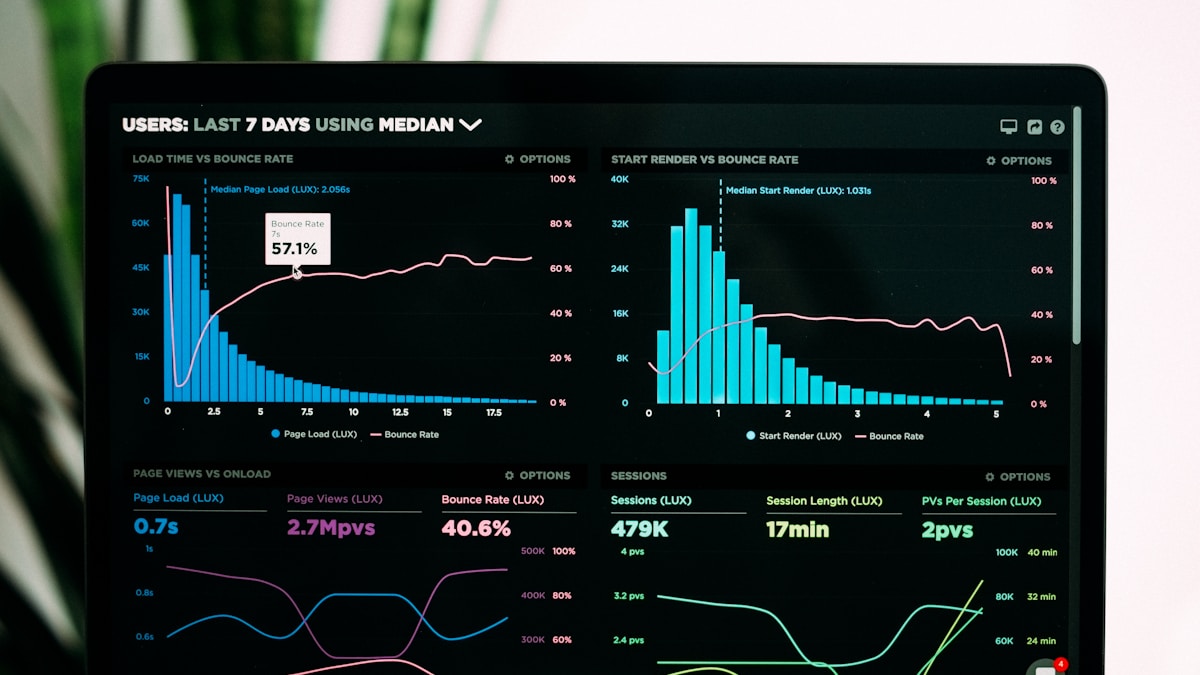
Why INP Matters for SEO in 2026
Google's Search Generative Experience (SGE) and AI Overviews prioritize sites that feel "app-like." A site that freezes for 300ms when a user opens a menu is considered a poor experience and will be de-ranked in favor of smoother competitors.
What is a "Good" INP Score?
- Good: Under 200ms
- Needs Improvement: 200ms - 500ms
- Poor: Over 500ms
Common INP Killers and How to Fix Them
1. Long Tasks in JavaScript
If your main thread is busy executing a 500ms JavaScript function, it can't respond to a user's click.
The Fix: Use scheduler.yield() or setTimeout to break up long tasks and give the browser a chance to paint the next frame.
// 2026 best practice for non-blocking JS
async function processData(items) {
  for (const item of items) {
    doHeavyWork(item);
    // Yield to the main thread every few items
    if (shouldYield()) await scheduler.yield();
  }
}
2. Excessive DOM Size
A massive DOM makes the "re-calculation" of styles and layout incredibly slow.
The Fix: Implement Virtual Scrolling and use the content-visibility: auto CSS property to prevent the browser from rendering off-screen elements.
3. Heavy Third-Party Scripts
Chat widgets, tracking pixels, and ad scripts often hijack the main thread at the worst possible moment.
The Fix: Use Partytown to run third-party scripts in a Web Worker, completely off the main thread.
Measuring INP in 2026
Standard Lighthouse tests are a snapshot, but INP is a "field metric." You must use RUM (Real User Monitoring) to see how actual visitors experience your site.
| Tool | Best For | Metric Type |
|---|---|---|
| PageSpeed Insights | Quick Overview | Lab & Field |
| Search Console | SEO Monitoring | Field (CrUX) |
| DebugBear | Real-time monitoring | Synthetic |
| Vercel Analytics | Developer feedback | Real User |
Step-by-Step Optimization Plan
- Identify: Use Chrome DevTools (Performance tab) to find "Long Tasks."
- Isolate: See which interaction triggers the delay.
- Optimize: Refactor the JS or CSS causing the layout shift.
- Validate: Deploy to a staging environment and run a field test.
Conclusion
Performance is no longer a "one-and-done" checklist. It's a continuous process of ensuring your site stays responsive as it grows. In 2026, speed is the ultimate SEO strategy.
Does your site pass the INP test? Get a free Performance Audit from Kodeit today.